Dear Maintainer,

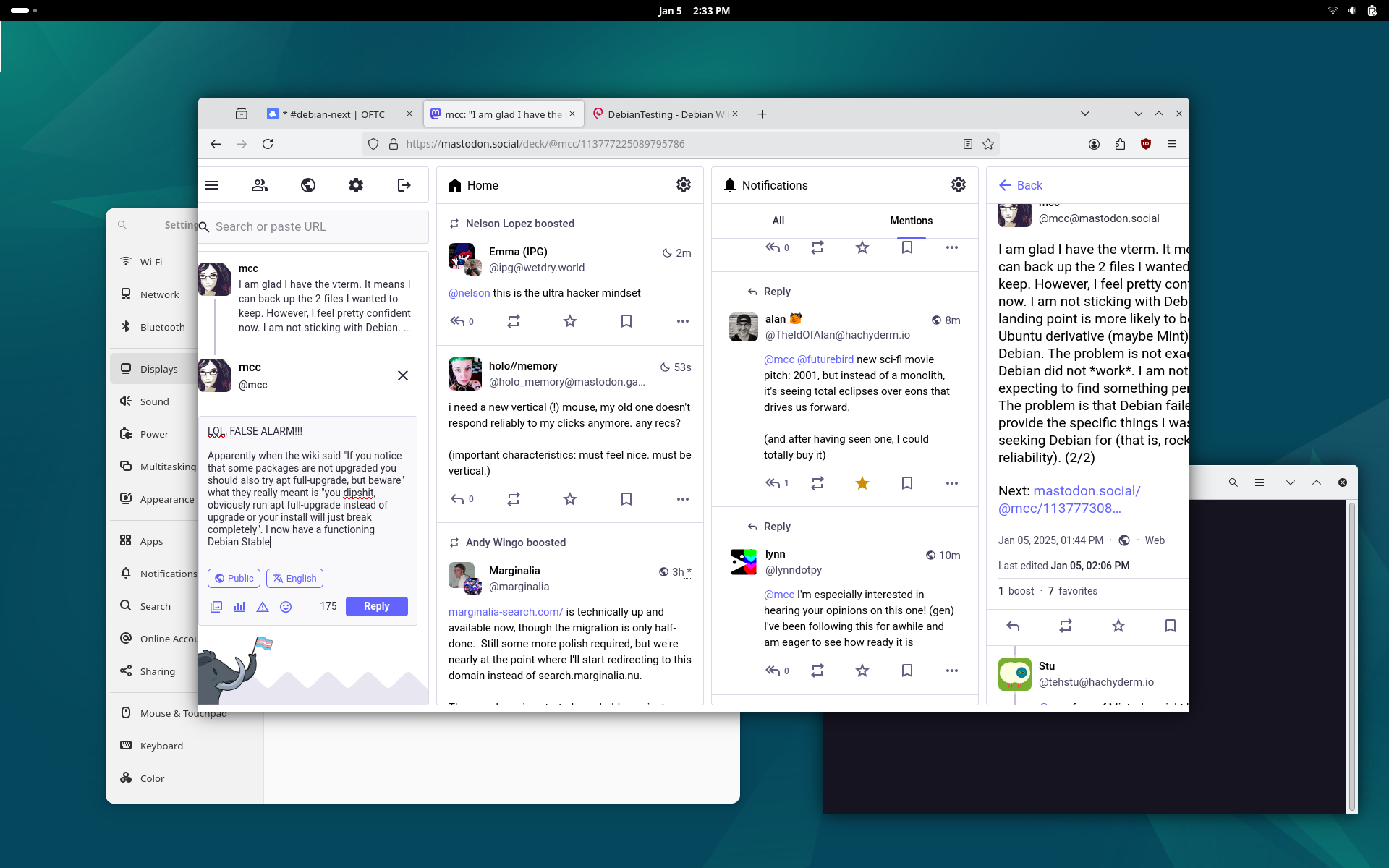
There is a white line in the upper left corner of my desktop. Changing the
desktop pattern does not alter it. Moving a window over it, going to the
"activities" view, or going to "workspace 2" (ie 3-finger-swipe gesture), makes
the line disappear. Clicking or mousing over the line does nothing. It has no
negative functional impact on the system, but is irritating. I should be able
to set the desktop image.

See:
Retina screen off, stock GNOME:
https://files.mastodon.social/media_attachments/files/113/777/416/839/289/836/original/02be62dd7063e9b5.png
Retina resolution at 1.5, dash-to-panel extension enabled:
https://files.mastodon.social/media_attachments/files/113/777/777/190/326/924/original/48a4771ee5b55518.png

*** Reporter, please consider answering these questions, where appropriate ***

   * What led up to the situation?
Last week I installed Debian Stable (bookworm) with Gnome in the initial
installer. I used apt to install ("task-") kde, ssdm, and cinnamon. I didn't
see the line in Stable gnome in wayland, stable "legacy gnome" in wayland,
Stable kde in wayland, or Stable cinnamon in X. I then upgraded, using
sources.list and full-upgrade, to testing/trixie. Since I have used only Gnome
in wayland. The white line appeared the moment I appeared. Nothing I do affects
it (except moving to workspace 2).

Switching from 100% scale to 150% scale, as shown in the above image, had the
effect of changing the line's size.

Searching Google, I find multiple people reporting this bug on both gnome and
kde
https://gitlab.gnome.org/GNOME/gnome-shell/-/issues/7212
https://www.reddit.com/r/NobaraProject/comments/1aenal7/a_thine_white_line_appears_on_the_top_right/

They say the line is caused by "xwaylandvideobridge". I don't know what that
is, so I don't know what to do about it.